
Job Log records job applications in Google Sheets.
A Chrome extension for keeping a clear record of your search. Open a job posting, use Job Log, and save the role, company, link, source, and date to a spreadsheet you choose.
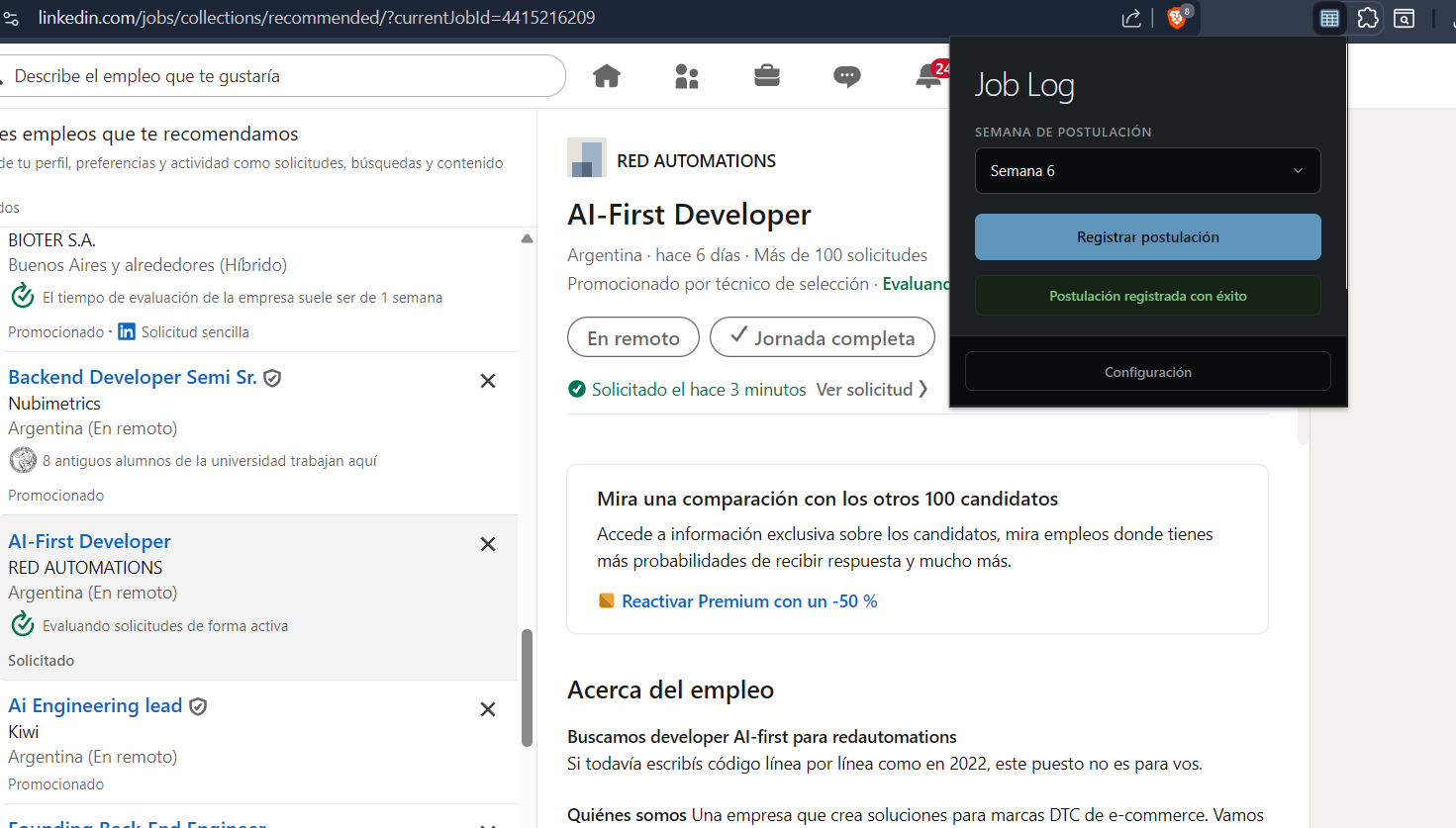
One application. One row in your sheet.
Register a job from its page, and Job Log saves the details to the Google Sheet you choose.
Each saved row includes
- Date
- Company
- Role
- Job link
- Source
- Week
A record you can work with.
Job Log is for people tracking applications across job sites. It reads the page you choose when you open its popup. When you register an application, it adds a row to your configured Google Sheet, where you can review and edit your history.
On LinkedIn, Job Log first tries to obtain the job details from LinkedIn. When it cannot confirm the details from the page, it uses your selected Gemini or Groq API key to extract the company and role from page text. If that service fails, it can try the other service when you have configured its key.
How it works
- 01
Prepare your sheet
Copy the Job Log spreadsheet template and add its URL in the extension settings.
- 02
Connect your tools
Connect your Google account and provide a Gemini or Groq API key for job pages that need text extraction.
- 03
Save from the job page
Open a posting and use the extension popup to register the application. The saved row starts with an “In progress” status.
Your data & permissions
The extension asks for access that supports this workflow. Its Google permission is broad, so the details matter.